



 Rumble
 YouTube
 Twitch
 Twitter / X
 Kick
Kick Authorized ingress
 OBS-owned output
00:57
Community highlightPublic User · StreamSuites
A recent public artifact from the live community.
StreamSuitesQueued140 views
A connected livestream production suite
StreamSuites connects a private browser Studio, a native Windows production workspace, an OBS integration path, and the audience tools around every live show.
Private rooms, guests, layouts, branding, and direct browser media. Broadcast output remains unimplemented.
The production core
Choose the production surface that fits the room. Identity, permissions, rooms, destinations, and shared state remain coordinated underneath.
Browser production workspace
Private Runtime-backed rooms with guests, layouts, branding, browser sources, and direct Cloudflare RealtimeKit media.
Native Windows production workspace
A native C#/.NET/WPF shell supervising a C++20 engine for local capture, preview, audio, recording, replay, and output foundations.
OBS plugin and integration
Bring StreamSuites pairing, rooms, guest receiver foundations, and supported control surfaces into an existing OBS workflow.
Audience-facing artifacts
Runtime/Auth-backed surfaces for the clips, interactions, profiles, and progression that live around a show.
One authority. Separate media paths.
Runtime/Auth coordinates canonical identity, permissions, rooms, invitations, destinations, credentials, automation, alerts, shared state, exports, and versioning. It is not the media engine.
Shared control planeOne authoritative source for identity and shared state.
Product-owned mediaBrowser, native, and OBS media never pass through Python.
Explicit maturityAvailable, partial, and planned states stay visibly distinct.
Connected creator tools
Automation and engagement remain first-class StreamSuites capabilities, now presented as modules supporting the production family.
Coordinate directors, cohosts, backstage guests, approvals, and room identity from Runtime/Auth-backed workflows.
Keep authorization and destination intent under one shared authority.
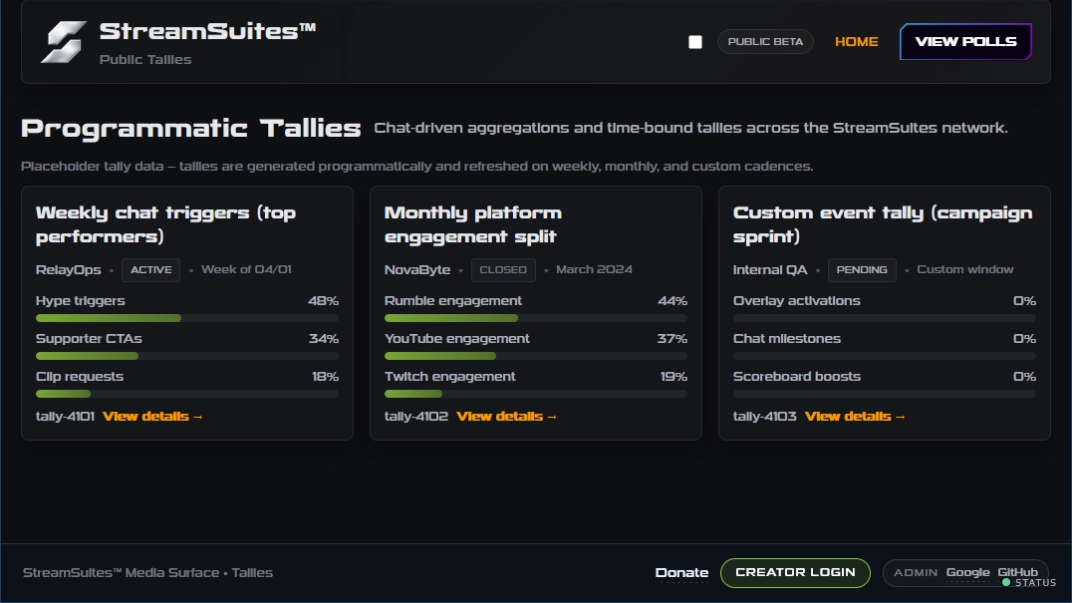
Normalize audience events, run triggers, and surface relevant interactions to operators.
Backend-authored rules, notifications, delivery history, and native operator clients.
Turn audience activity into visual, interactive show elements without making those tools the product family’s primary identity.
Publish clips, public profiles, leaderboards, and community experiences from authoritative data and media artifacts.
Beyond the control room
Creator, Public, Admin, Developer, Docs, and FindMeHere remain focused clients of the same Runtime/Auth authority.
What StreamSuites is becoming
StreamSuites began with livestream automation and engagement foundations. Studio and StudioApp now sit at the center, with those systems becoming connected capabilities around the production workflow.
The result is one shared authority, multiple purpose-built production surfaces, and audience tools that remain interoperable without collapsing into one monolithic application.
Read the full product story ↗No surface claims to be live, connected, or ready until the underlying contract confirms it.
Runtime/Auth owns canonical state; each production product owns its media execution.
Alpha features remain labelled as available, partial, in development, or planned.
Active Alpha development
Browser Studio, StudioApp, and Studio for OBS are at different implementation stages. Product pages and Runtime/Auth remain authoritative for current access, capability, download, and release state.
 Continue with Google
 Continue with GitHub
 Continue with X
 Continue with Discord